Use a published MCP entry
Find One Horizon in Smithery instead of maintaining a private server definition for every client
Use the published Smithery server entry to give compatible clients access to One Horizon initiatives, bugs, todos, recaps, teams, taxonomy, and comments.
AI assistants and coding agents
Find One Horizon in Smithery instead of maintaining a private server definition for every client
Connect through OAuth so the tools act with the permissions of the signed-in One Horizon user
Use Smithery-supported MCP environments to read and update One Horizon work
Smithery handles discovery and connection while One Horizon remains the source for product and engineering work.
Use the published onehorizon/onehorizon listing from the Smithery UI or CLI.
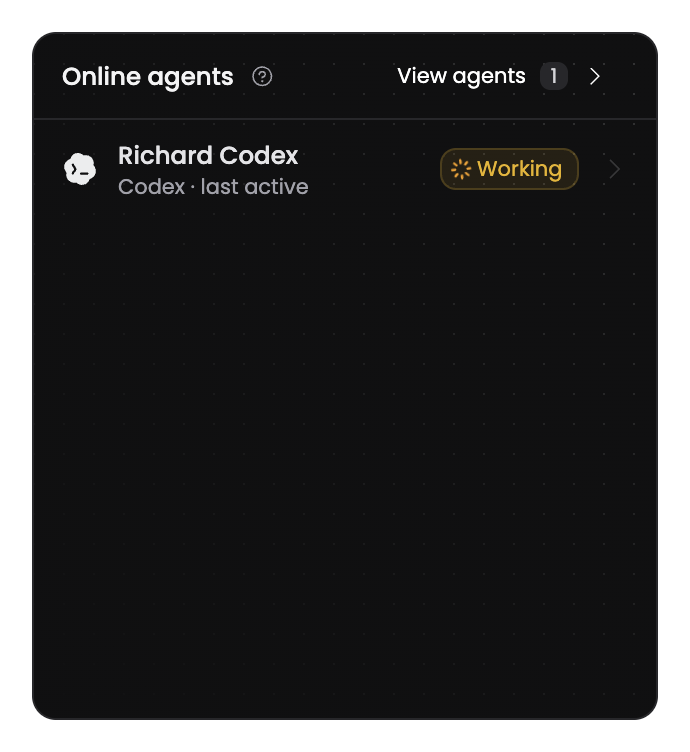
Discover actions for initiatives, bugs, feature requests, todos, recaps, teams, taxonomy, and comments.
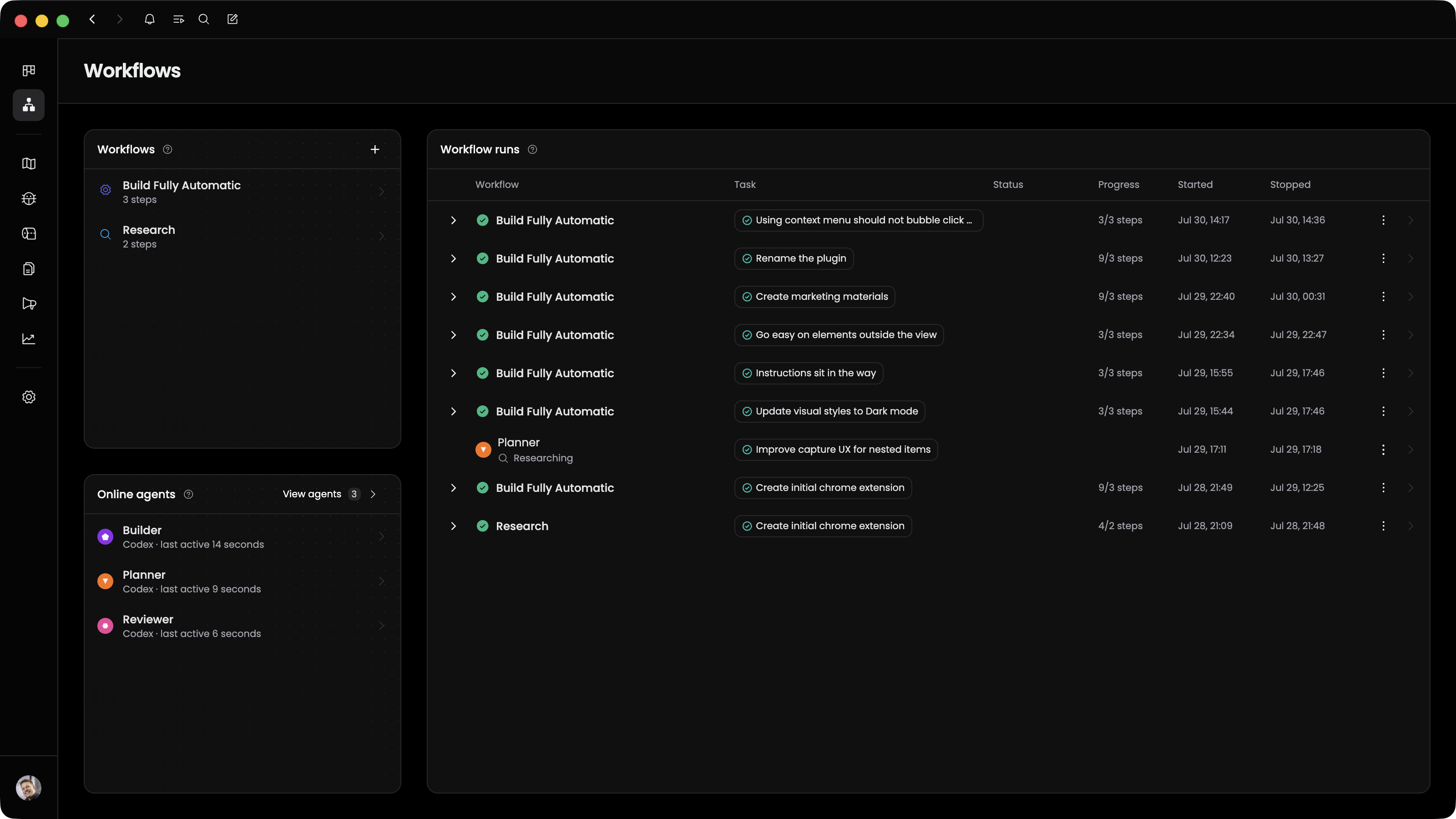
Use the connected server entry wherever your Smithery-enabled MCP workflow runs.
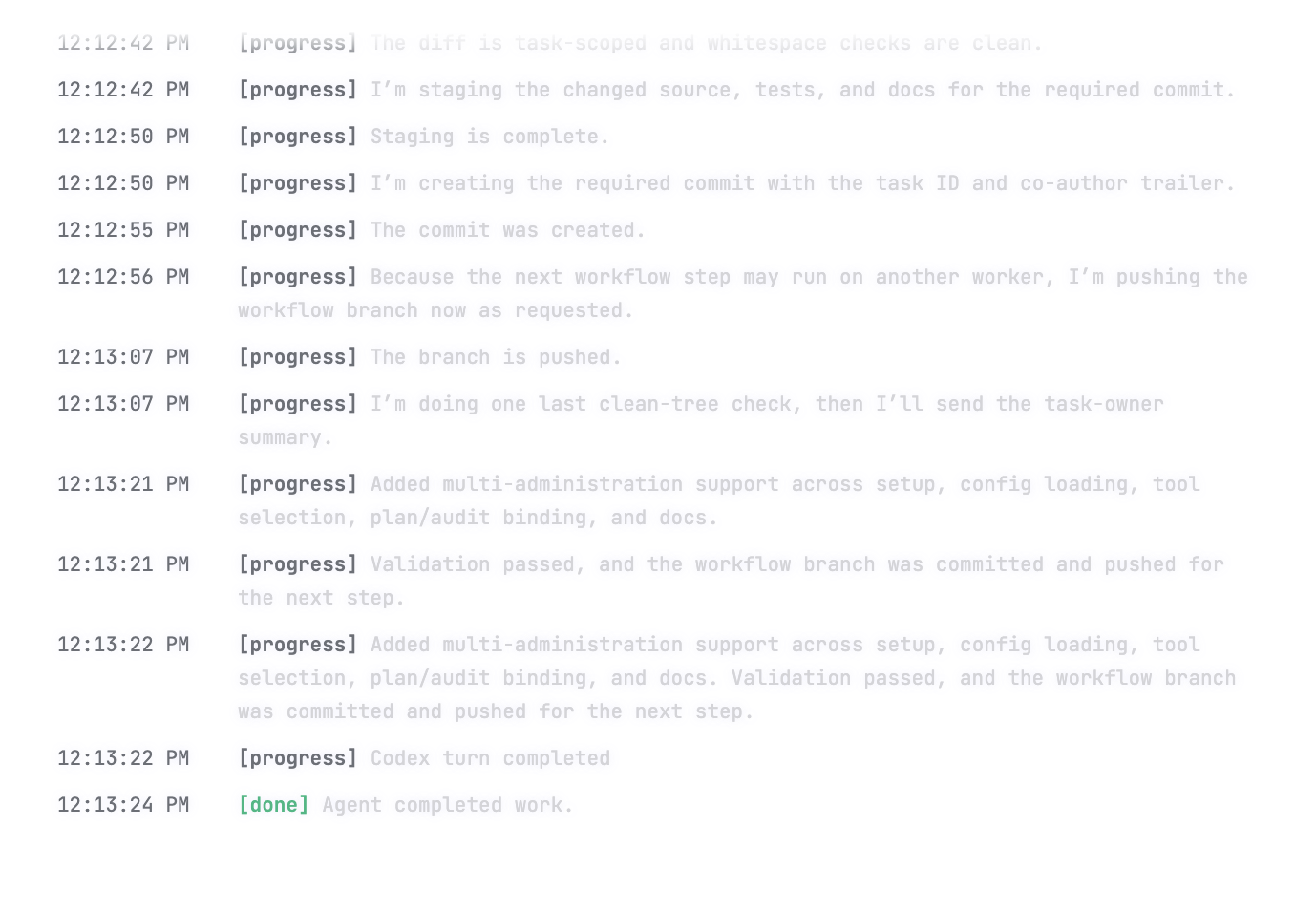
Add One Horizon to the same registry workflow used for the rest of your MCP servers.
Connect the published server entry to a new assistant or development environment
Inspect available One Horizon actions before deciding what the client should be allowed to do
Use Smithery connection IDs and OAuth to keep the server available across supported clients